Do I really have to copy every link from my code into my API tool?
RouteLens: No. RouteLens reads your project and lists every route for you, ready to send.
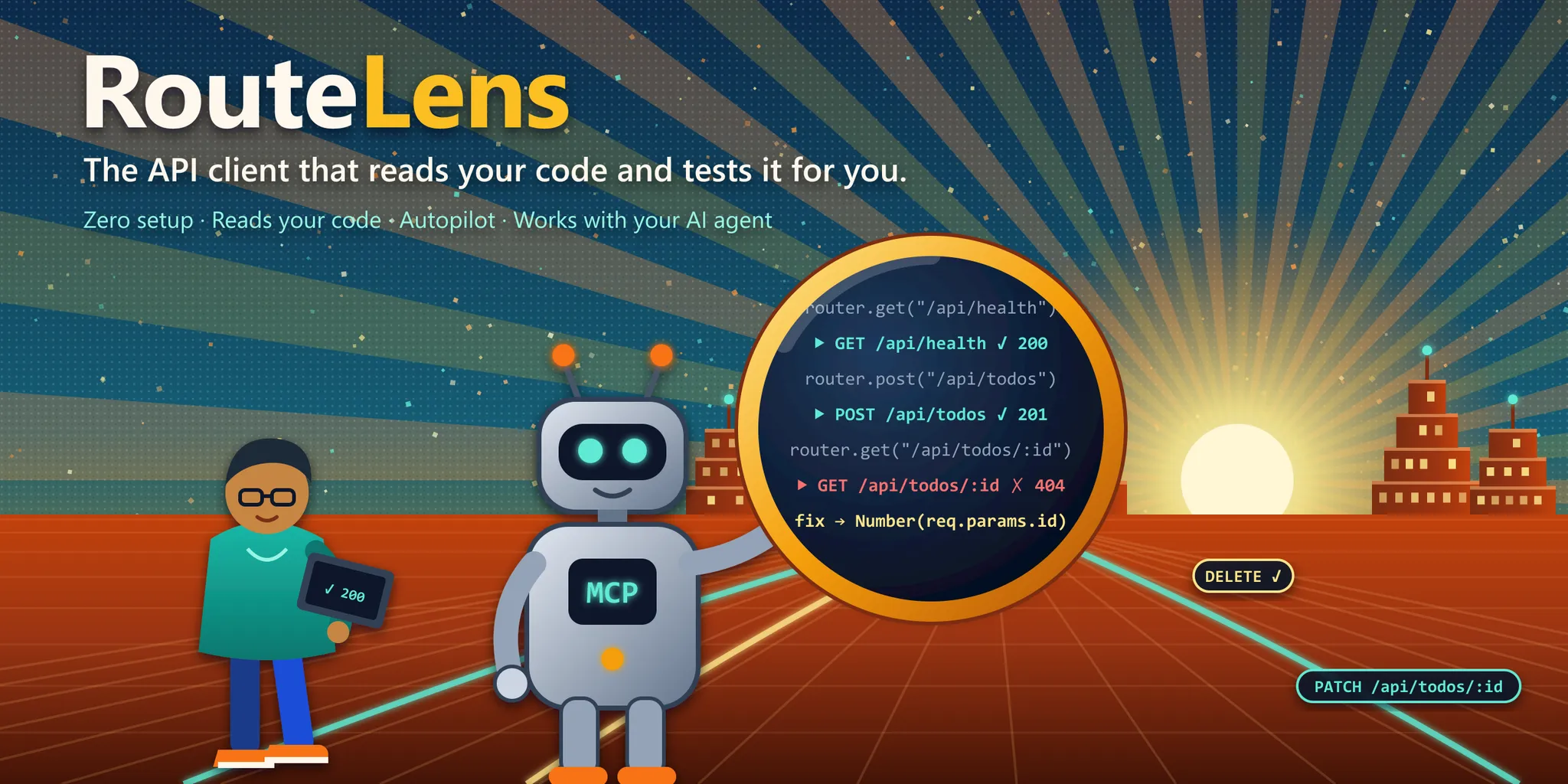
RouteLens is a free VS Code extension that reads your project, finds every API route and tests it for you. No copying links, no writing requests by hand, no setup.
Demo
Five steps, about a minute. Click any step to jump to it.
Step 1 of 5: Open your project. Open any Next.js or Express project in VS Code. RouteLens finds where your API runs on its own, and tells you how it knew.
How it works
No setup files, no terminal, nothing to configure.
Open your project in VS Code. RouteLens finds your API and every route in it.
Press Test everything. Every route gets checked in one go.
See what works and what doesn't, right next to the code that handles it.
Sound familiar?
RouteLens: No. RouteLens reads your project and lists every route for you, ready to send.
RouteLens: RouteLens fills in sample data that already follows the rules your code expects.
RouteLens: Save the file. RouteLens tests that route again and shows a tick or a cross in a second or two.
RouteLens: RouteLens notices, asks for your login once, keeps it in your computer's secure keychain and handles the rest.
RouteLens: No. RouteLens offers to start it for you, waits until it's ready and sends the request again.
RouteLens: Yes. Copilot, Claude Code and Cursor can run your tests through RouteLens, read what failed and fix it.
Features
The boring parts of testing an API, handled. You keep building.
Finds where your API runs, from your project's own settings, and tells you which clue it used.
Lists every API route in your project in its own sidebar, even when they're spread across many files.
Writes a request for every route, with sample data that fits. When your code changes, they follow.
Test everything runs every route and shows a simple scoreboard: how many passed, how many failed.
Change a route, save the file, and see the new result next to it in a second or two.
If your app isn't running, one click starts it, waits for it, and tries again.
Asks for your login once, keeps it safe in your keychain, and reuses it wherever it's needed.
Copilot, Claude Code and Cursor can test your API through RouteLens and fix what breaks.
Reads your code without running it, sends nothing anywhere, and has no tracking at all.
Install
RouteLens is on the VS Code Marketplace. Install it in one click, open your project and test every route.
In VS Code, open the Extensions panel, search for “RouteLens API Client” by harshdazz and click Install. Or open its Marketplace page and install it from there.
Get it on the MarketplaceOpen a Next.js or Express project. RouteLens finds your API by itself, with nothing to set up.
Click the RouteLens icon in the side bar, then Test everything, and watch the results come in.
That's it. Open any route file and you'll see Send above each route.
Run your saved tests in a terminal or CI
npx @routelens/cli runGive any MCP agent the RouteLens tools
npx -y @routelens/mcp --root .FAQ
RouteLens is a free extension for VS Code that tests your API for you. It reads your project, finds every route, prepares a request for each one and checks them all in one click, showing the result right next to your code.
Yes. RouteLens is free and open source under the MIT license, and the full source is on GitHub.
No. RouteLens reads your code on your own computer and never runs it. It sends nothing anywhere except the requests you, or your AI assistant, choose to run, and there is no tracking.
Next.js (both kinds of API routes) and Express, including larger projects where routes are split across many files. Support for more frameworks is planned.
No. Everything works without AI. If you already use Copilot, Claude Code or Cursor, RouteLens lets them test and fix your API too, and it keeps them to safe addresses only.
RouteLens itself never edits your code. It keeps its own files in a .routelens folder in your project, which you can share with your team. Code changes only happen when you, or an AI assistant you asked, make them.
Yes. RouteLens is on Open VSX, the store Cursor and VSCodium use. Open the Extensions panel, search for “RouteLens API Client” and click Install. If your editor doesn't use Open VSX, download the latest .vsix file from the GitHub releases page, click the ⋯ menu at the top of the Extensions panel and choose “Install from VSIX…”.

Built by
Full-stack AI developer. I built RouteLens to take the repetitive part out of testing an API, so you can spend that time building.
Let RouteLens read your code and test it for you.